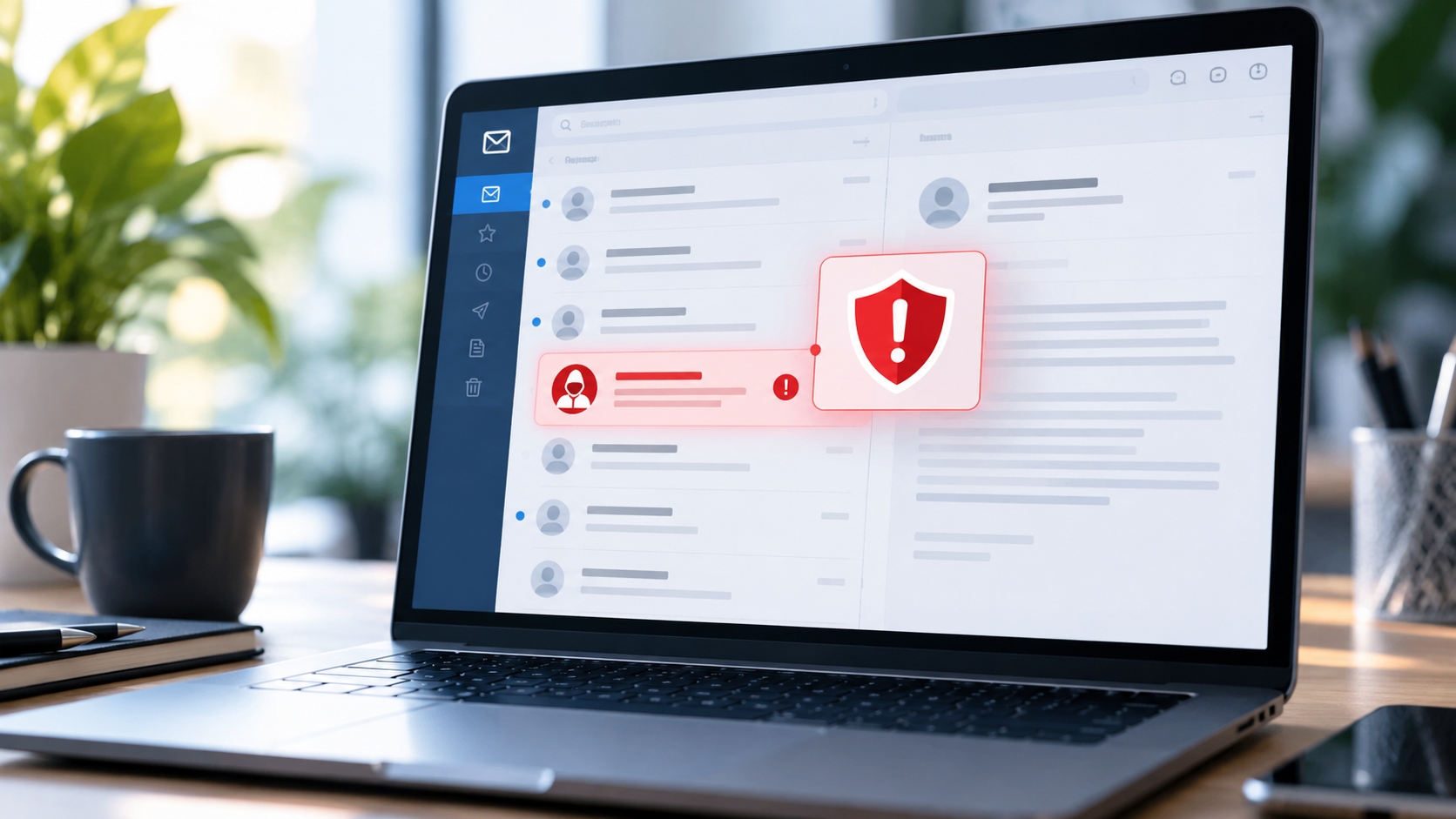

Phishing messages are not always poorly written emails with obvious spelling mistakes. Many imitate actual delivery companies, software providers, employers, banks and collaboration tools. Some use QR codes instead of visible links, or arrive as text messages and calendar invitations. The safest habit is not to guess whether a message looks professional; it is to verify sensitive requests through an independent channel that you control.
Look at what the message asks you to do
A classic phishing message pressures you to enter credentials, supply a one-time code, install a program, transfer money, or open an attachment. 'Your account will be suspended in 20 minutes' is meant to remove time for verification. The same principle applies to fake support calls and messages from compromised accounts of friends or coworkers. Treat urgency as a reason for independent checking, not immediate obedience.
Be especially cautious when a message asks you to bypass normal procedures. An administrator who legitimately needs to reset a system should have a documented method. A random sender requesting your recovery codes or a remote-control session is not made trustworthy by using a familiar logo.
Verify a destination without clicking it
If a message claims to be from your bank, open the institution's app or type its known official domain yourself. If it concerns work, find the original ticket in the company's established support system. Do not use a phone number printed only in the suspicious message. Hovering over a link on a desktop can help reveal its destination, but shortened links and mobile interfaces often hide or obscure the true address.
A website with a padlock is not necessarily legitimate: HTTPS indicates an encrypted connection to the named domain, not that the domain belongs to the brand being impersonated. Read the full domain carefully. login.example.com and example.com.attacker-site.test are completely different hosts even if their pages look identical.
QR codes deserve the same caution as links
A QR code can open a web address, initiate a payment flow, or display a sign-in page. Its pattern offers no human-readable clue that the destination is trustworthy. Use a phone scanner that previews the actual URL before opening it. Compare the destination with the official service and avoid typing credentials into a portal reached from an unexpected QR code on a printed notice or unsolicited package.
Public places can have legitimate QR-based menus or check-in pages. Risk increases when someone covers a legitimate printed code with a different sticker, or when a QR code unexpectedly asks for payment credentials or a device-management profile. If uncertain, ask the venue for its official website using a separate route.
Treat attachments and security prompts carefully
Do not enable macros or change security settings just because a document says they are required to view an invoice. A malicious file can be disguised with a plausible filename. Even ordinary-looking PDFs can contain harmful links. Keep your OS, browser, and document reader updated, and use built-in previews cautiously. If a colleague apparently sends an unusual archive, confirm with them through an established channel.
Never give someone an MFA one-time code sent to your phone unless you are completing a login you personally initiated in the legitimate app. Attackers may start a real login attempt and then trick you into telling them the code. If you receive repeated authentication prompts you did not initiate, deny them and review account security.
What if you already clicked?
Clicking a link is different from submitting your password, installing software, or authorizing a payment. Respond based on what occurred. If you typed a credential into a suspicious page, immediately change that password via the genuine provider, revoke suspicious sessions, enable MFA and report the incident. If you downloaded and executed unknown software, seek IT or qualified support; disconnecting an affected device from the network may be appropriate when compromise is suspected, while preserving evidence.
For payment information, contact the financial institution through its official channels. For work accounts, report the incident promptly even if it feels embarrassing; early reporting can help administrators contain a breach. Keep the original suspicious message as evidence if policy allows and avoid forwarding dangerous links to coworkers as a 'warning.'
Build a team-friendly verification policy
A small company benefits from one rule: no urgent payment or credential change is approved solely through an email or chat message. Verify changes to bank details or payroll using a previously established second channel. Teach staff how to report suspicious messages without punishment for honest mistakes. Practicing a few realistic scenarios is more helpful than memorizing lists of outdated visual clues.
Common questions
Does perfect grammar mean a message is safe? No. Modern scams can be polished and personalized.
Is the URL safe because it starts with HTTPS? No. Encrypted connections are used by malicious sites too.
Should I reply and ask if it is legitimate? Usually not. Contact the organization through a known website, app, or phone number instead.
Reference
CISA's Secure Our World includes recognition and reporting of phishing, strong passwords, MFA, and software updates.