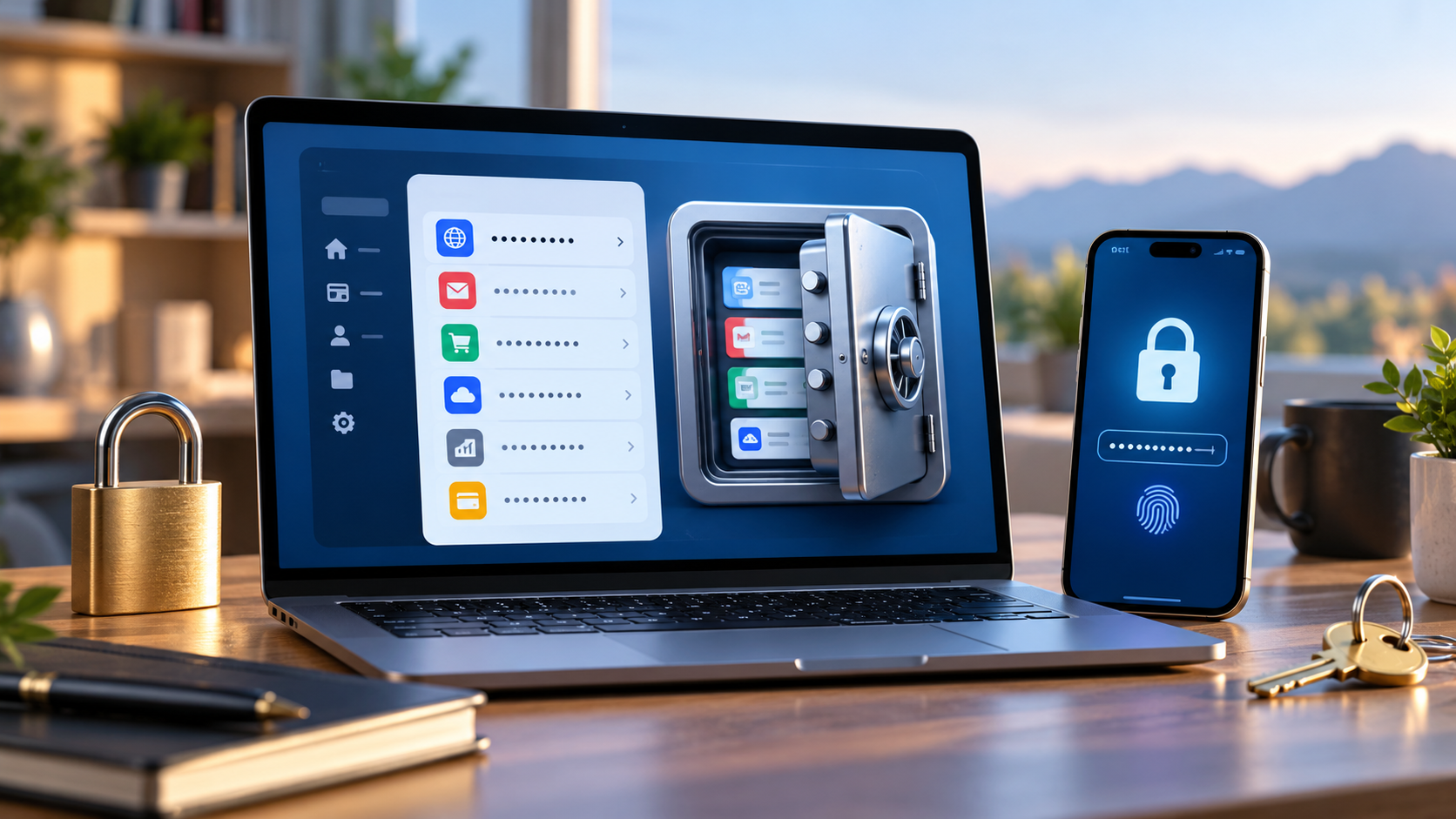

A password manager can solve one of the hardest everyday security problems: every account needs a different strong password, but ordinary people cannot remember dozens of complicated strings. The software is not a substitute for careful account recovery or good device security. It is a way to reduce password reuse while centralizing credentials under a stronger, more manageable system.
Understand the failure mode: reused passwords
Imagine an old forum suffers a credential leak. If its password matches your email login, an attacker can try the same combination on a more important account. The email account is particularly sensitive because it can reset many other passwords. Reusing a strong password is still reuse; uniqueness matters as much as complexity. A password manager makes long random passwords practical for accounts you visit only occasionally.
Before selecting a tool, list your most important accounts: primary email, banking, cloud storage, website administration, work platforms, and the password manager itself. Prioritize these in your migration plan rather than attempting to change every password in one rushed session.
Choose and configure a trustworthy manager
Compare products on device compatibility, independent security history, encryption model, recovery options, exportability and cost. A manager integrated into an operating system or browser may meet basic needs; dedicated managers often offer stronger cross-platform sharing and administrative features. Avoid installing a little-known password extension because of a flashy 'free security' advertisement. Use official stores and vendor websites.
Set a unique, memorable master password or approved equivalent that is not reused anywhere else. Enable multifactor authentication on the vault account if supported. Then secure the devices used to unlock the vault with OS updates, screen locks and full-disk encryption where available. A vault on an already compromised device is not magically protected from every threat.
Migrate accounts in a sensible order
Start with your primary email and recovery email, then move through banking, cloud backups, social platforms, and lower-risk accounts. For each login, generate a new unique password in the manager, save it, sign out and verify that you can sign back in. This last step matters: a copied password that was not actually saved can lock you out after closing the browser.
During an import from a browser or CSV file, treat exported credentials as sensitive. A plaintext export may remain in Downloads or cloud sync long after the migration. Delete unneeded export files securely according to the platform's capabilities and verify that the new vault has the expected entries. Do not email yourself a list of passwords 'for backup.'
Where passkeys fit
A passkey uses public-key cryptography and is designed to resist phishing against a fake website more effectively than a reusable password. Availability and account-recovery flows vary by service. When a provider offers passkeys, review whether yours are stored on a device, synchronized through a platform account, or managed by a compatible vault. Test an additional login method before removing the original authentication path.
Passkeys do not eliminate the need to secure your device or identity-provider account. If someone controls an unlocked device, account protection may still depend on the device lock and the website's session management. Passkeys are a useful tool, not a reason to stop checking login alerts.
Multifactor authentication and recovery codes
Enable MFA on key accounts. Authenticator apps, security keys, and passkeys can be preferable to SMS in some circumstances, but choose a supported method you can reliably recover. Download or print one-time recovery codes when provided. Store them separately from the everyday device, with physical or encrypted protection appropriate to the importance of the account.
For a family or small organization, decide who can recover access if the account owner becomes unavailable. Shared accounts with one universal password are difficult to audit. Use individual accounts and authorized sharing tools instead when the product allows them. Remove access promptly when someone's role changes.
Make a recovery drill before you need one
Ask a concrete question: 'What happens if my phone and laptop are both lost on the same day?' Check whether you still have the password manager recovery method, second factor, recovery codes, and email access. Test recovery from a secondary authorized device while all systems are functioning. Do not trigger full account resets solely for practice if that could cause an outage.
Finally, review the vault for unused credentials and weak or duplicated passwords every few months. A manager can identify patterns, but only you know whether an old account should be closed or a recovery email is no longer controlled.
Common questions
Is a password manager a single point of failure? It centralizes access, which makes master-account protection and recovery planning essential. Properly configured, it can still reduce the wider risk of widespread reuse.
Can I share logins by texting passwords? Prefer the vault's authenticated sharing features or separate individual user accounts.
Do passkeys work on every website? No. Adoption and recovery methods vary; keep compatible fallback options.
Reference
CISA's Secure Our World recommends strong passwords, password managers, MFA, software updates and recognizing phishing.